We Ship Worldwide – Reliable International Delivery
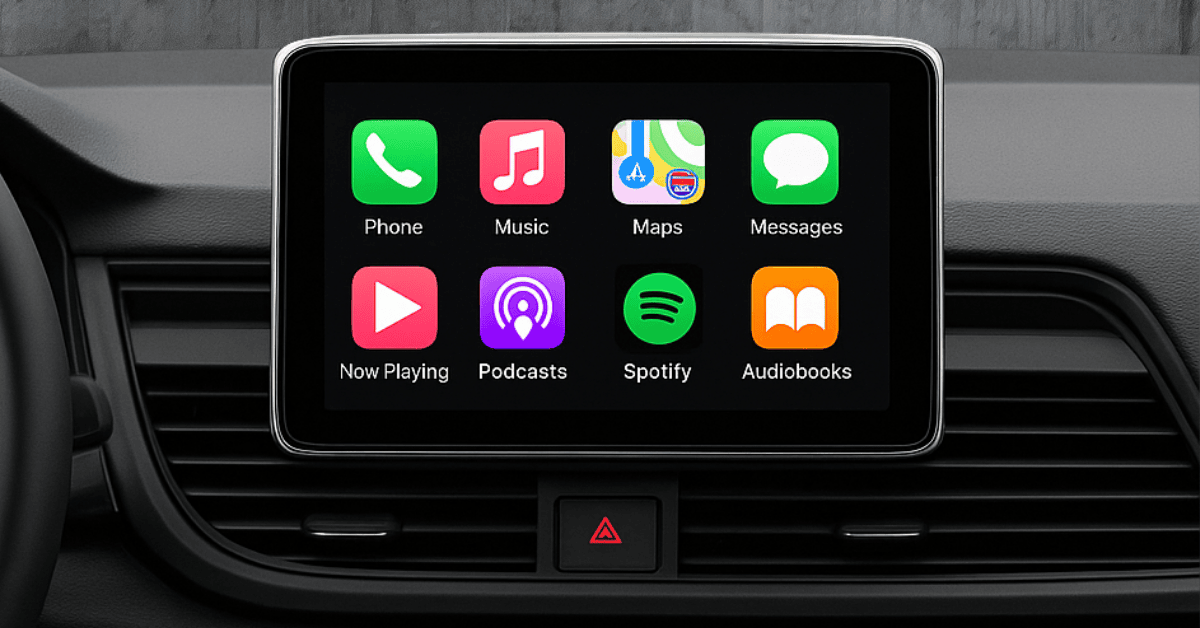
Staying connected while driving is no longer a luxury — it’s a standard many drivers expect. Today’s vehicles allow direct smartphone integration, making it easy to navigate, stream music, and communicate hands-free. Two main platforms dominate this space: Apple CarPlay and Android Auto.
But what if your car doesn’t support them? Or what if using them feels inconvenient? Let’s explore the options — from wireless adapters to complete screen upgrades.
When you connect your phone to your vehicle, you replace clunky built-in systems with apps you already know. Instead of outdated GPS maps or limited radio presets, you get:
This isn’t just about convenience — it’s about safety and focus on the road.
Instead of thinking of them separately, here’s how they stack up side by side:
| Feature | Apple CarPlay | Android Auto |
|---|---|---|
| Navigation | Apple Maps, Google Maps, Waze, Sygic | Google Maps, Waze, Sygic |
| Calls & Messages | Calls, iMessage dictation | Calls, SMS, WhatsApp dictation |
| Music | Apple Music, Spotify, YouTube Music | Spotify, YouTube Music, Deezer |
| Connection | USB or wireless (Wi-Fi + Bluetooth) | USB or wireless (if supported) |
| Limitations | No video apps | No video apps |
Both platforms exist for the same reason: reduce distractions and replace the need to hold your phone.
Even in newer cars, many drivers get annoyed by the need to constantly plug in their phones. The cable takes time, looks messy, and often wears out over time.
The solution? Wireless adapters.
These small devices plug into your USB port and instantly create a wireless CarPlay/Android Auto connection. Every time you start the car, your phone pairs automatically.
For drivers who want even more, Android Multimedia Boxes act like mini-computers inside your car. Not only do they support CarPlay and Android Auto, but they also run Android apps such as Netflix or YouTube (ideal for passengers).
Not every vehicle comes ready for CarPlay or Android Auto — especially models produced before 2020. That doesn’t mean you’re out of luck. Depending on your car’s year and multimedia system, you have different upgrade paths.
Many cars built after 2014 already have the software, but it’s not activated. By checking your VIN and multimedia version, it’s possible to activate CarPlay or Android Auto without changing hardware.
Brands like BMW, Mercedes, Audi, VW, Toyota, Lexus, Volvo, Porsche, and more often support this upgrade.
For vehicles that can’t be unlocked via software, a retrofit module can be installed. This device plugs into your original multimedia unit and brings full CarPlay/Android Auto compatibility. It doesn’t remove existing menus and works seamlessly with your factory cameras.
If you want more than just integration, replacing the screen gives your car a modern facelift. Larger, high-resolution touchscreens not only make navigation and apps easier to use but also retain compatibility with all original functions.
So which option is best for you?
No matter your situation, there’s always a way to bring the convenience of smartphone integration into your car.
Apple CarPlay and Android Auto have become the gold standard for in-car connectivity. Whether you’re driving a brand-new model or a car from 2005, you don’t have to miss out. From quick wireless fixes to complete multimedia upgrades, there’s a solution for every driver.
🚘 Ready to modernize your car? Explore your options and choose the upgrade that makes your driving safer, smarter, and more enjoyable.
add new car
Your settings
add new car


