We Ship Worldwide – Reliable International Delivery
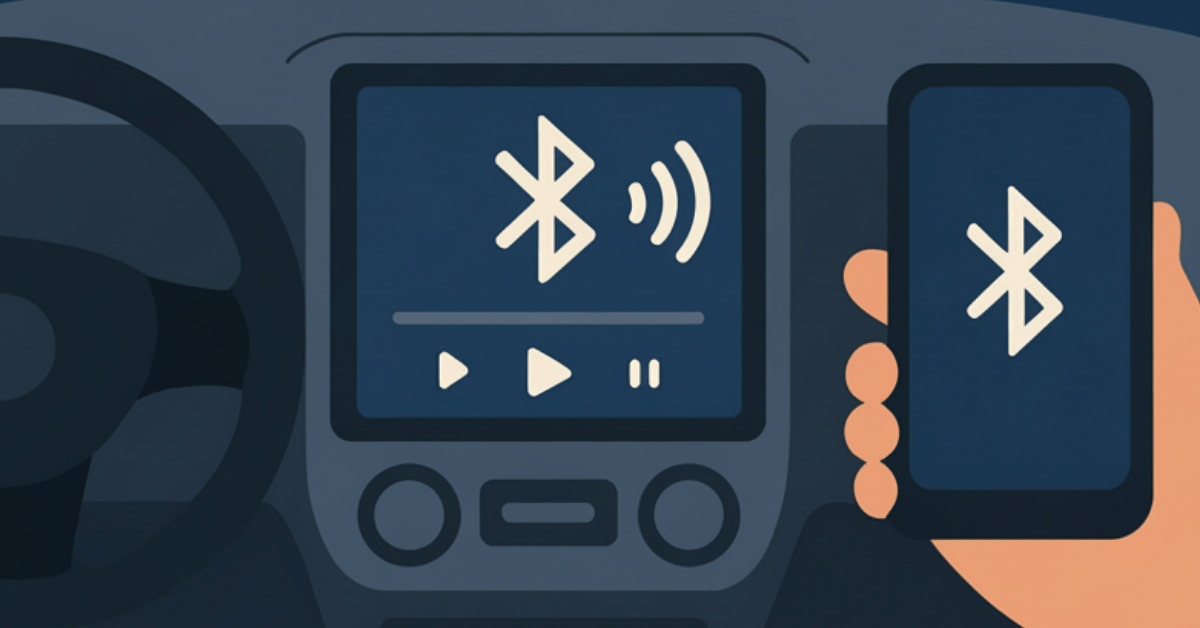
If you’re looking to enhance your CarPlay or Android Auto experience and improve the sound quality in your module, enabling the Bluetooth channel function is a simple and effective way to do it. Here’s a straightforward guide to help you through the process.
⚠️ Important: Not All Modules Support Bluetooth Channels
Before trying to activate the Bluetooth channel function, be aware: some CarPlay modules do not include this feature. Check your module’s specifications or manual to confirm compatibility.
Begin by accessing the settings of your CarPlay module. Locate the option labeled “Use car BT channel” and toggle it to the ON position. Upon activation, the module will automatically restart to apply the changes.
After the module restarts, initiate the Bluetooth pairing process:
With the Bluetooth connection established, you can now connect to CarPlay or Android Auto:
Now you can enjoy enhanced functionality with your CarPlay module!
While AUX might seem like a simple option, its quality in CarPlay modules is often lower. This is because the AUX channel in most modules isn’t a direct connection to your phone — it transmits audio through an internal channel, which can degrade sound.
Bluetooth, on the other hand, provides:
Overall, Bluetooth ensures higher-quality sound and seamless operation, making it the smarter choice for most users.
add new car
Your settings
add new car


